

Type a player name if you want one, then pick an icon and a color pair you can see against the spikes. A brighter pair helps when a ship or wave section is hard to see. The colors do not change the jump. The 2.2 icons are not in the kit yet.
Watch a run
A short clip, so you can hear how the obstacles line up with the music before you open a level.
What's Web Dashers game?
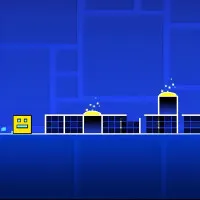
Web Dashers puts the Geometry Dash web demo in the browser. Geometry Dash is by RobTop Games. This is a fan project, and it is not an official RobTop release. The icon runs to the right on its own. Click, tap, or press space. The obstacles are timed to the music. Miss once and that attempt starts over.
Pick an icon you can see against the spikes
You start in the icon kit. Type a player name if you want one, then choose an icon and a color pair. The colors do not change the jump. If a ship or wave section is hard to see, switch to a brighter pair and run the song again. The 2.2 icons are not in this kit yet.
Open a 2.1 song, or search for one
The main list is the 2.1 songs, and most of that menu works. If the portals are new to you, start on Easy or Normal. Search is for stages other people have uploaded. Create opens the editor in that same menu. You can build a layout there, but a lot of the tools are still unfinished. An early practice mode is already in. A cleaner version is planned. You do not need an account.
What each form does with the same press
Click, tap, or press space. The form decides what that press does.
- Cube: tap to jump.
- Ship: hold to rise, and let go to fall.
- Ball: tap to flip gravity.
- UFO: each tap is a short upward boost.
- Wave: hold to angle up, and let go to angle down.
- Robot and spider use that same press, with their own jump height and cling.
Swing is not in this build. Mini portals and speed portals are.
What the difficulty label means
Main levels and searched stages use the usual Geometry Dash names. Easy and Normal leave wider gaps and fewer form changes, so you have time to learn the jump and the first portal. Hard and Harder tighten the gaps, add more ship or wave, and give you less time to react after a portal. Insane is a short reaction window. You learn those layouts by missing the same section until the timing sticks. Demon is for community extremes and the hardest main songs. Expect a lot of restarts, even when you already know the forms.
Similar games
- Dashmetry if you want a fuller editor and community charts.
- Shape Rush for six fixed stages, with cube, ship, and ball portals and no practice mode.
- Geometry Dash SubZero for three winter stages, with cube and ship sections and practice checkpoints.
How to Play Web Dashers
1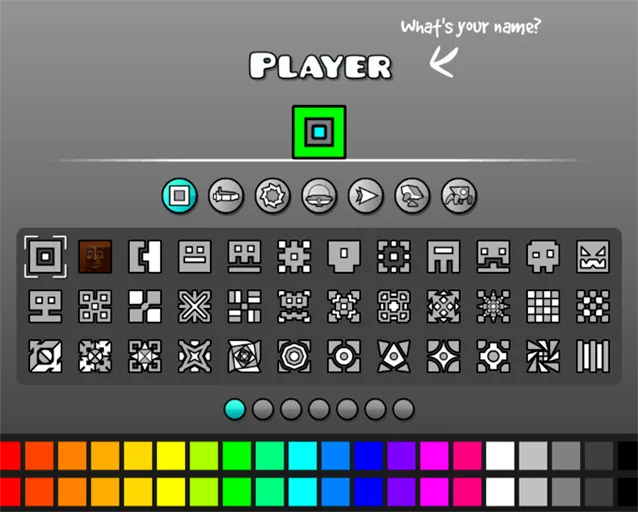
Pick an icon and colors
2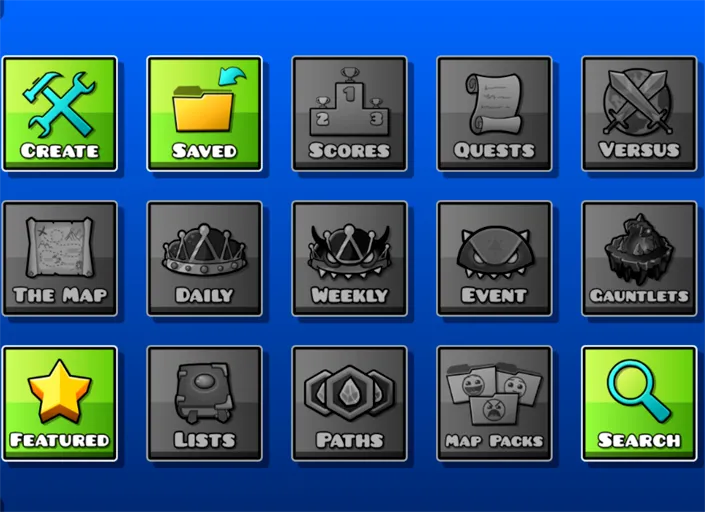
Open a main level or search
Open a main 2.1 song, or search for a stage someone else uploaded. Create opens the editor. You can build a layout there, but a lot of the tools are still missing.
3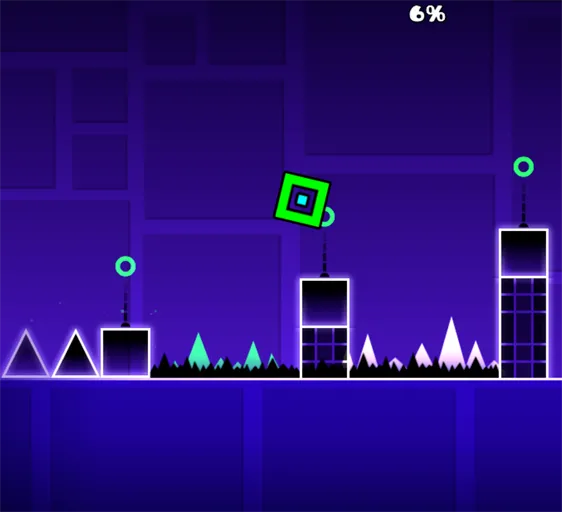
Time the one input
Click, tap, or press space. In a cube section, that press is a jump. The icon keeps moving right, and the spikes are timed to the music. Hit a spike and the attempt goes back to the start.
FAQs about Web Dashers
Web Dashers puts the Geometry Dash web demo in the browser. The icon runs to the right on its own. You click, tap, or press space, and one miss restarts the attempt. It is a fan project, not an official RobTop release.
Click, tap, or press space. Cube jumps on a tap. Ship rises while you hold and falls when you let go. Ball flips gravity. UFO gives a short upward boost on each tap. Wave angles up while you hold and down when you let go. Robot and spider use that same press, with their own jump height and cling.
Cube, ship, ball, UFO, wave, robot, and spider. Swing is not included. Mini portals and speed portals are. The icon kit does not include 2.2 icons yet.
No. You can open the main 2.1 songs and search uploaded stages without an account.
The attempt goes back to the start.